Scan the roster.
Compare professionals by exact queue count or next available appointment.

Workflows
Customers choose a professional. Professionals run their own flow. Owners see the shop-level picture.
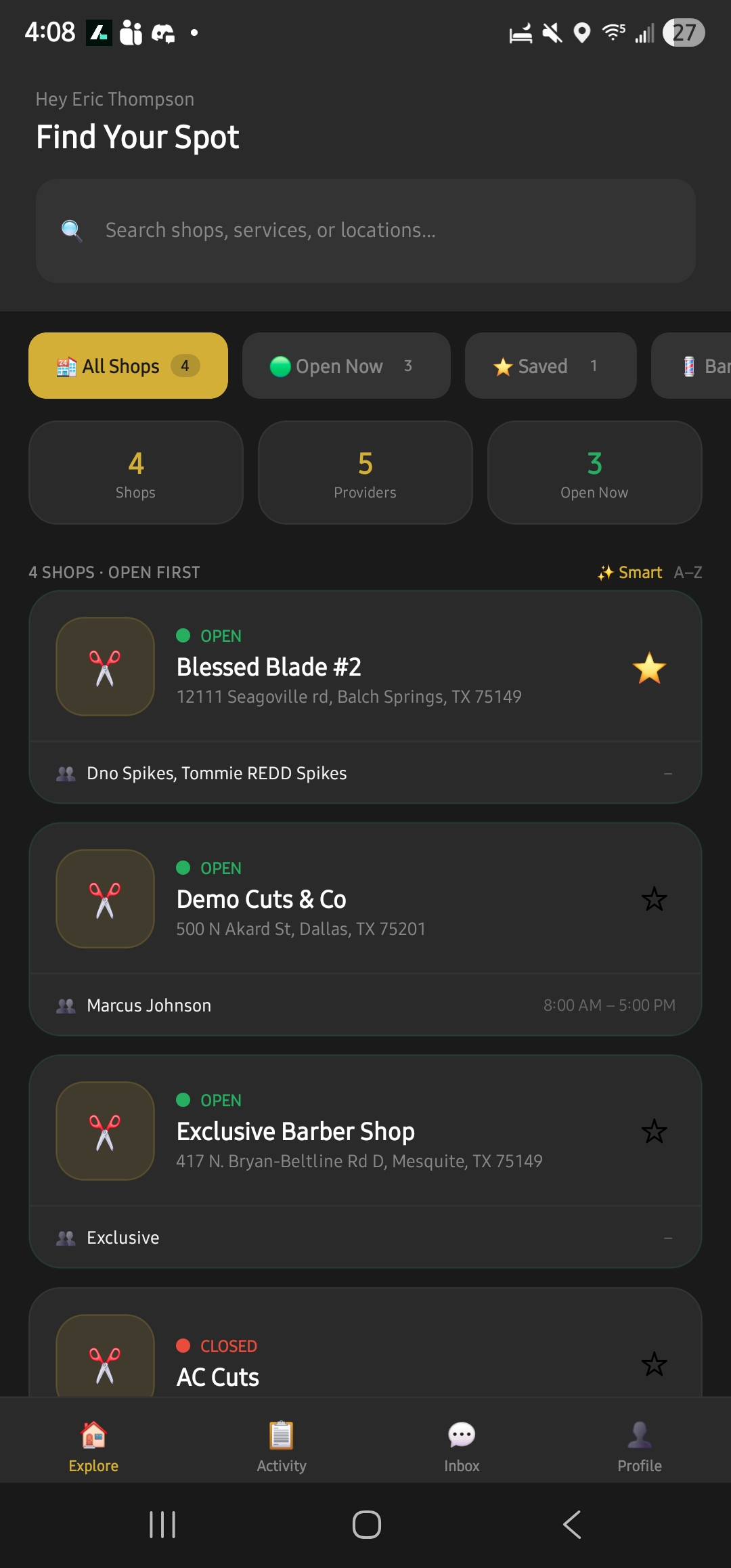
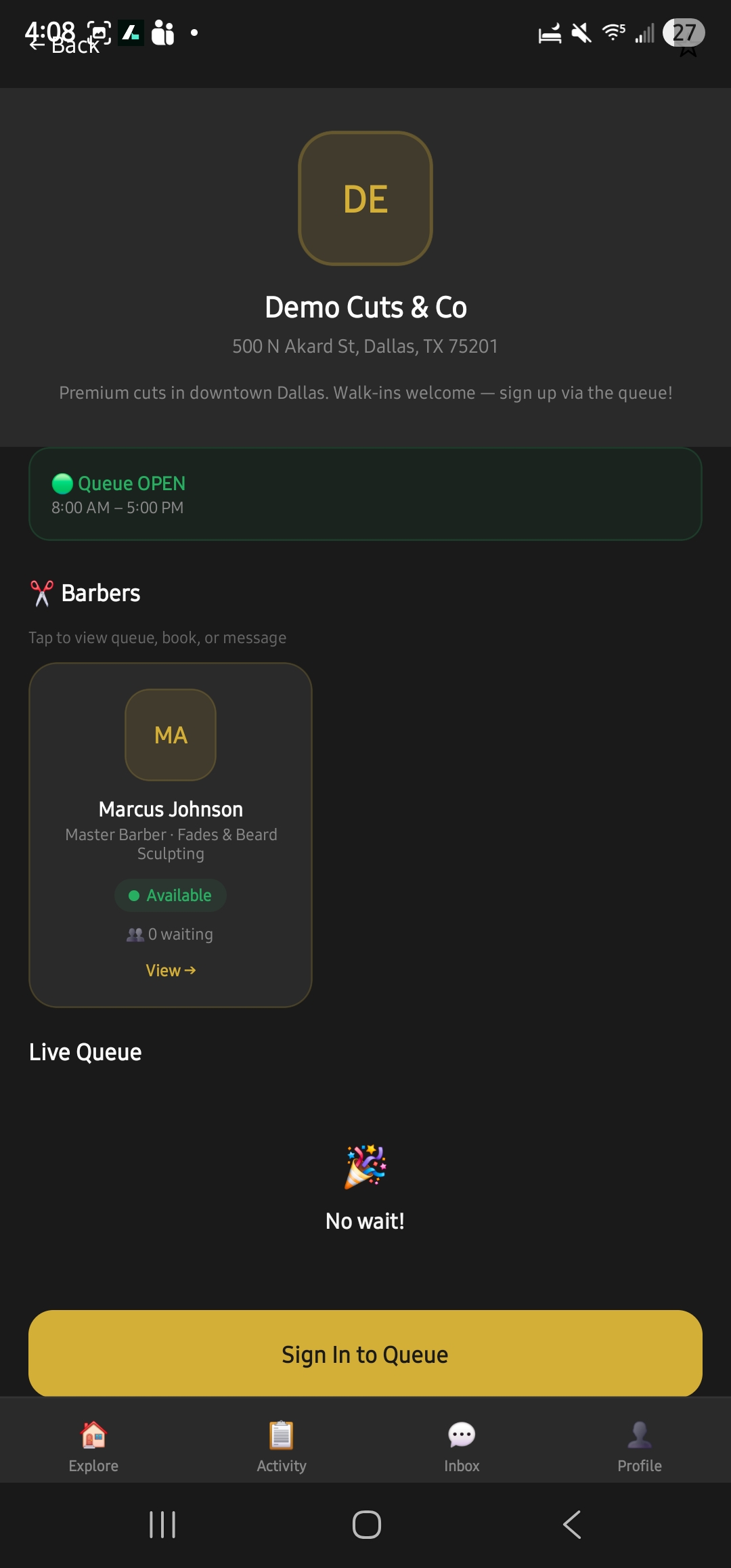
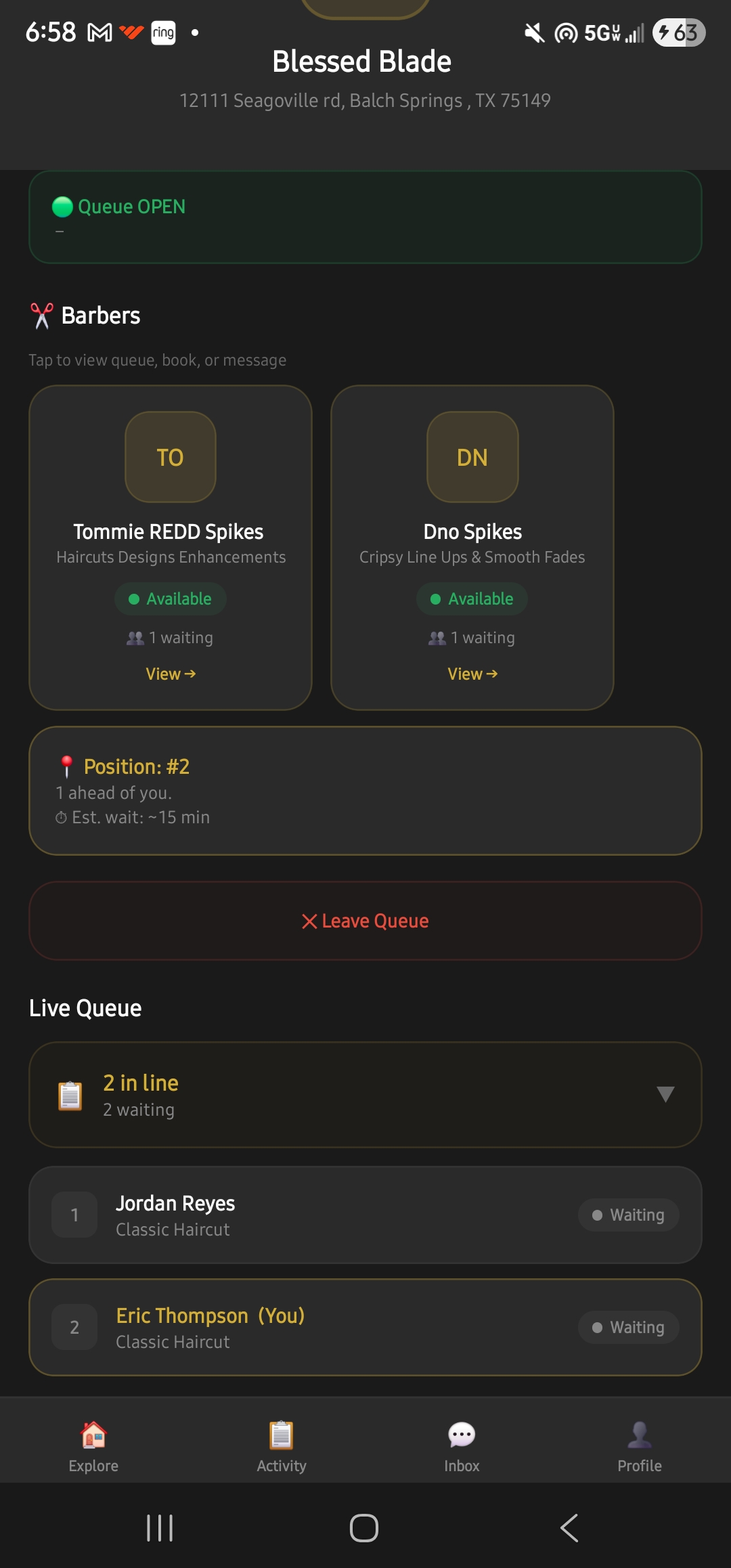
The shop screen shows a clean roster. The selected professional screen reveals their queue, services, work, schedule, and payment methods.
Compare professionals by exact queue count or next available appointment.
Open that professional’s services, portfolio, schedule, and queue.
Choose a connected method and let the professional confirm receipt.
Professionals manage status, clients, services, portfolio, schedule, and their own payment connections.
Enable your methods, complete the service, then confirm payment in the app you already use.
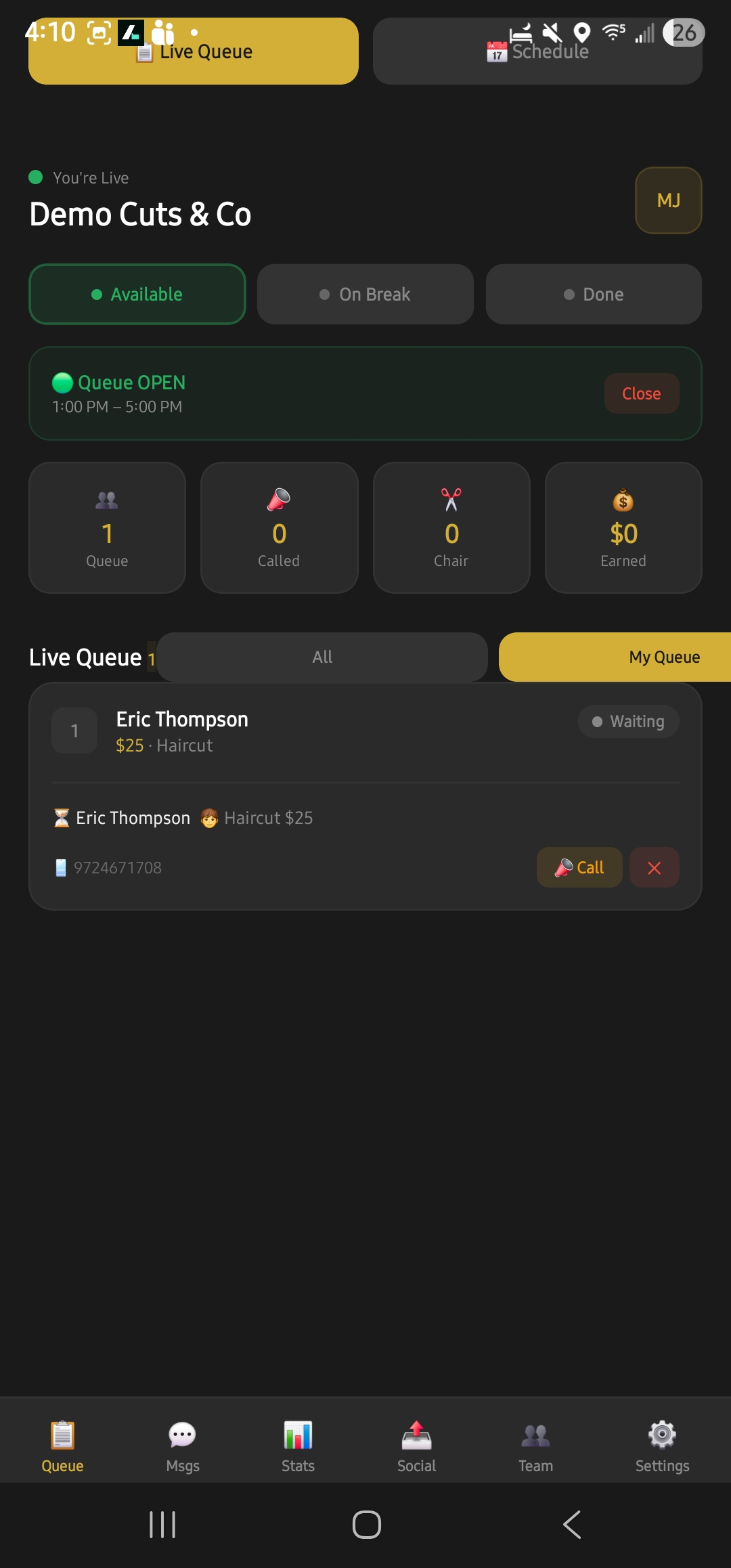
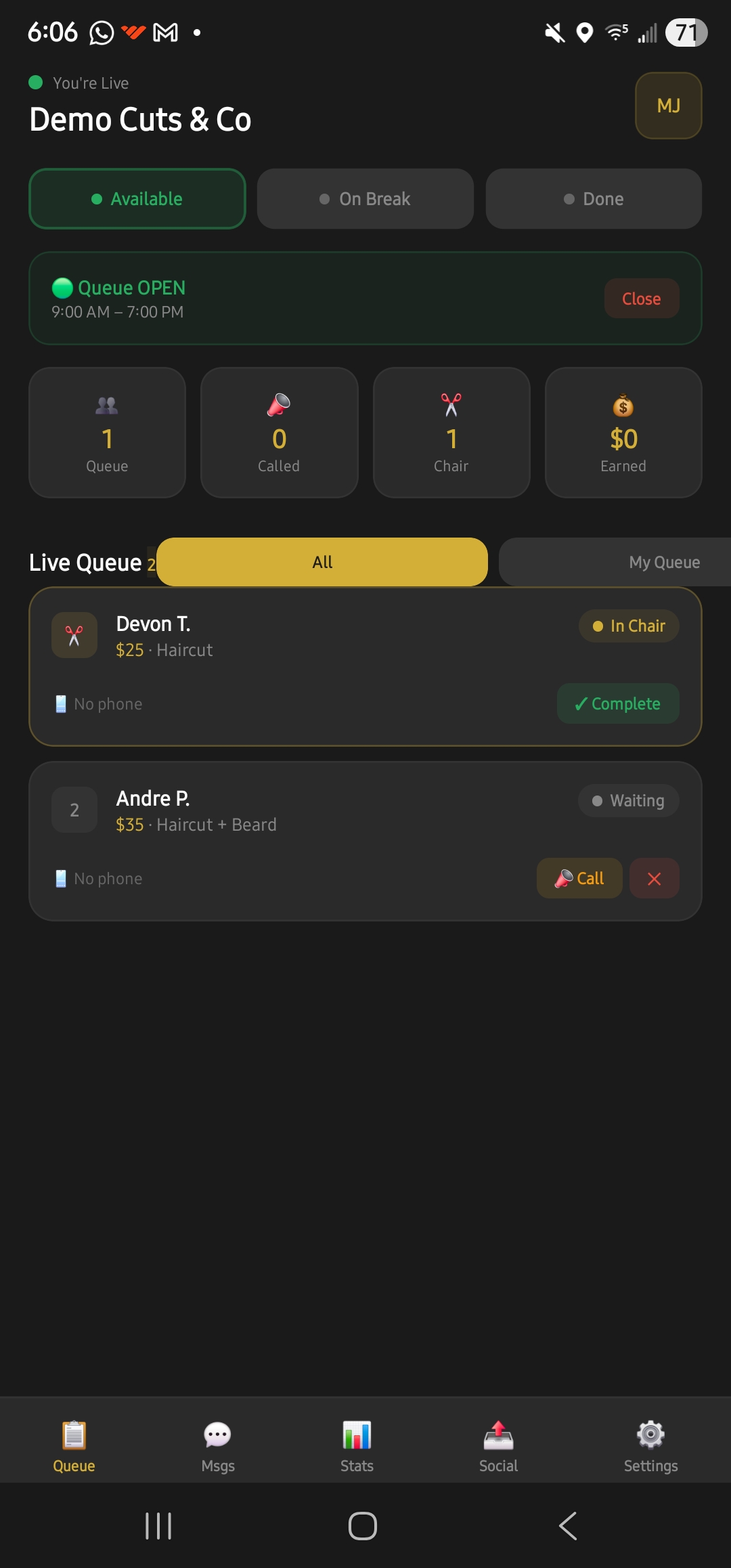
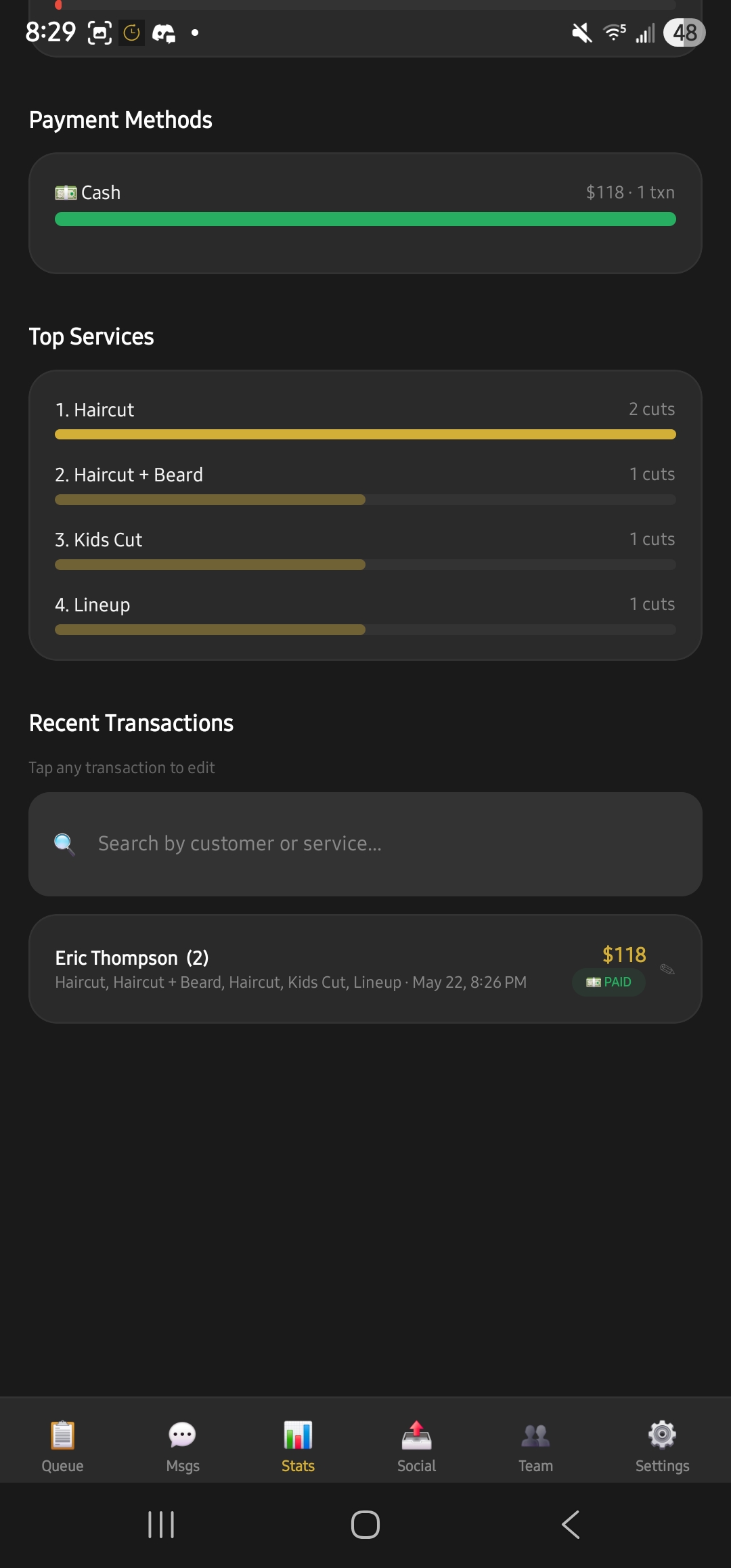
Owners can see queue activity, provider coverage, and operational reporting without becoming the middleman for service payments.
Follow queue activity and provider coverage without splitting tools.
Financial and provider screens help the business side stay visible.
Walk-ins and appointments can move through a cleaner shop process.